5. Integrating Booking Portal with your website
There are a number of options for integrating the booking portal with your site.
5.1. Booking button
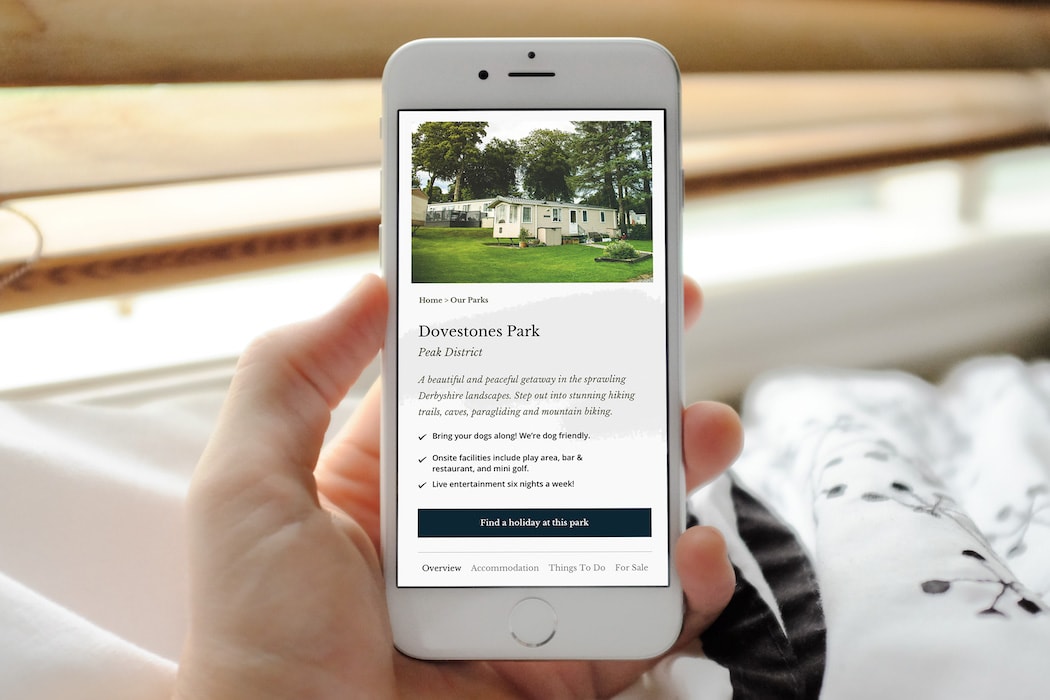
The easiest method of integration is to embed our ‘Booking Button’. You simply add a bit of javascript to your site(s), either in code or through Google Tag Manager, which will load a ‘Find a Holiday’ button (you can change this text) onto the page, which when clicked will overlay the search form on the page with all form fields. There are default styles applied to this button which are inherited from your booking portal, but these can be overwritten in code on your main site if you so wish.
<script>

(function() {

  function async_load(){

    var s = document.createElement('script');

    s.type = 'text/javascript';

    s.async = true;

    s.setAttribute('id', 'bliss-booking-script')

    var theUrl = '{your-booking-portal-url}/search_form_widgets/js/bliss-booking-18-08.js';

    s.src = theUrl + ( theUrl.indexOf("?") >= 0 ? "&" : "?") + 'ref=' + encodeURIComponent(window.location.href);

    document.body.appendChild(s);

  }

  if (window.attachEvent)

    window.attachEvent('onload', async_load);

  else

    window.addEventListener('load', async_load, false);

})();

</script>
5.2. Alternative options.
Alternatively, or in addition you can use one of the following methods.
- Create your own iFrame using the iFrame compatible search form, "
{your-booking-portal-url}/search_results/form/search". If you wish, set default field values using URL parameters. URL parameters will set default values, but will not hide the field. - Link directly to the search form page on the booking portal "
{your-booking-portal-url}".You can optionally use URL parameters in the link so the desired defaults are set. - Link directly to search results pages, "
{your-booking-portal-url}/results"using URL parameters to dictate specific search criteria (perhaps for special events, or special offers). - (If you really want to go to town) Construct your own search form which, based on the user's chosen values sends the user directly to a corresponding search URL.
5.2.1. URL parameters
- 'parks' | The park you want to search for. Values correspond to Elite park id.
- 'booking_types' | The booking portal accommodation type, corresponds to the holiday type associated with the accommodation, i.e. the number in the brackets next to the specific holiday type.
- 'duration' | The length, in days, of the holiday.
- 'arrival' | The arrival date in format [dd-mm-yyyy].
- 'adults' | The number of adults.
- 'children' | The number of children.
- 'attributes' | The holiday attribute you would like to filter with, formatted as "[{specific-attribute}]=1"
5.2.2. Examples
Hosted form
{your-booking-portal-url}/?parks=BB&booking_types=3&duration=3&arrival=17-04-2020&adults=4&children=2&attributes[PETS]=1
iFrame-able form URL
{your-booking-portal-url}/search_results/form/search?parks=BB&booking_types=3&duration=3&arrival=17-04-2020&adults=4&children=2&attributes[PETS]=1
Search results
{your-booking-portal-url}/results?parks=BB&booking_types=3&duration=3&arrival=17-04-2020&adults=4&children=2&attributes[PETS]=1